Upload a photo, name what must stay, and describe one change. Krea 3 edits the detail you point to and leaves the rest of the frame alone.
Creative Directions to Explore in Krea 3
AI-generated creative examples, not verified customer results or a model benchmark. Explore products, portraits, illustration, and interiors, then try your own brief.
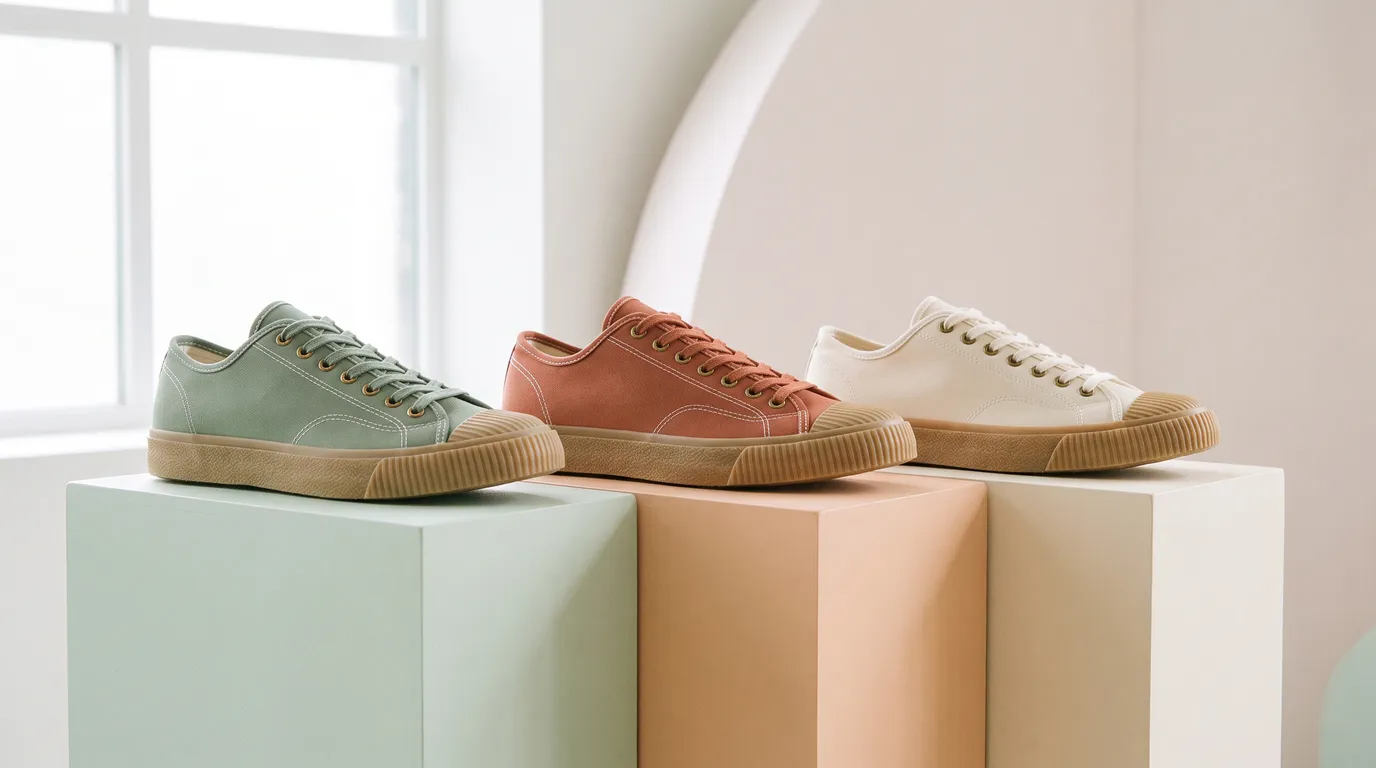
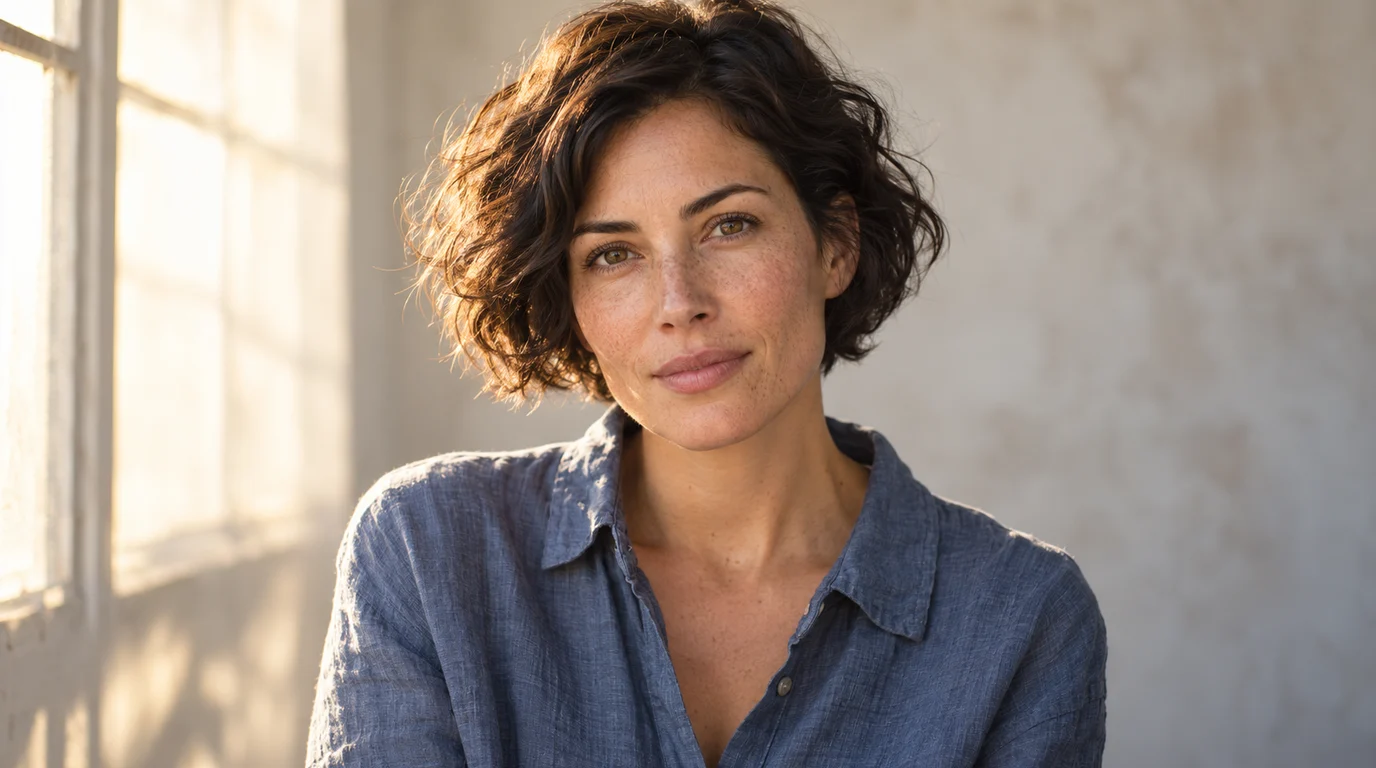
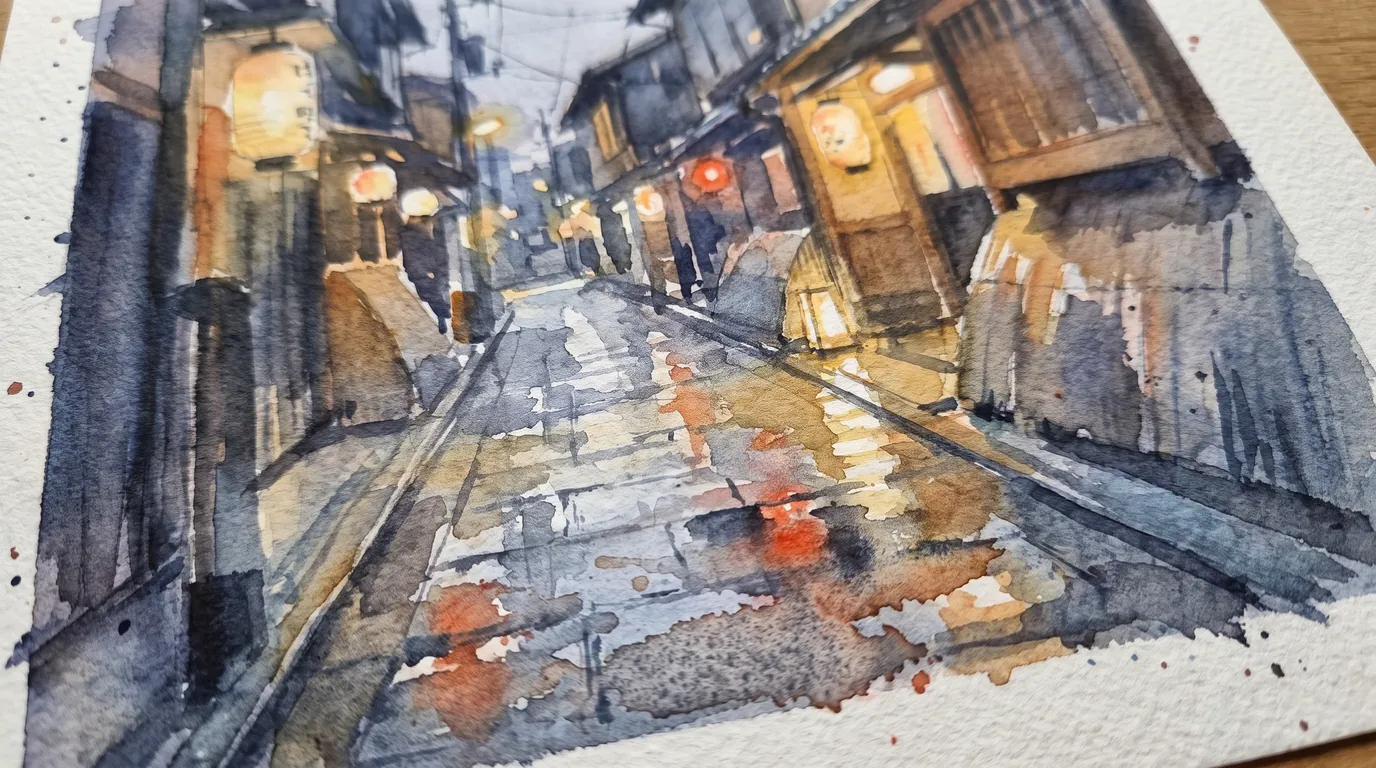
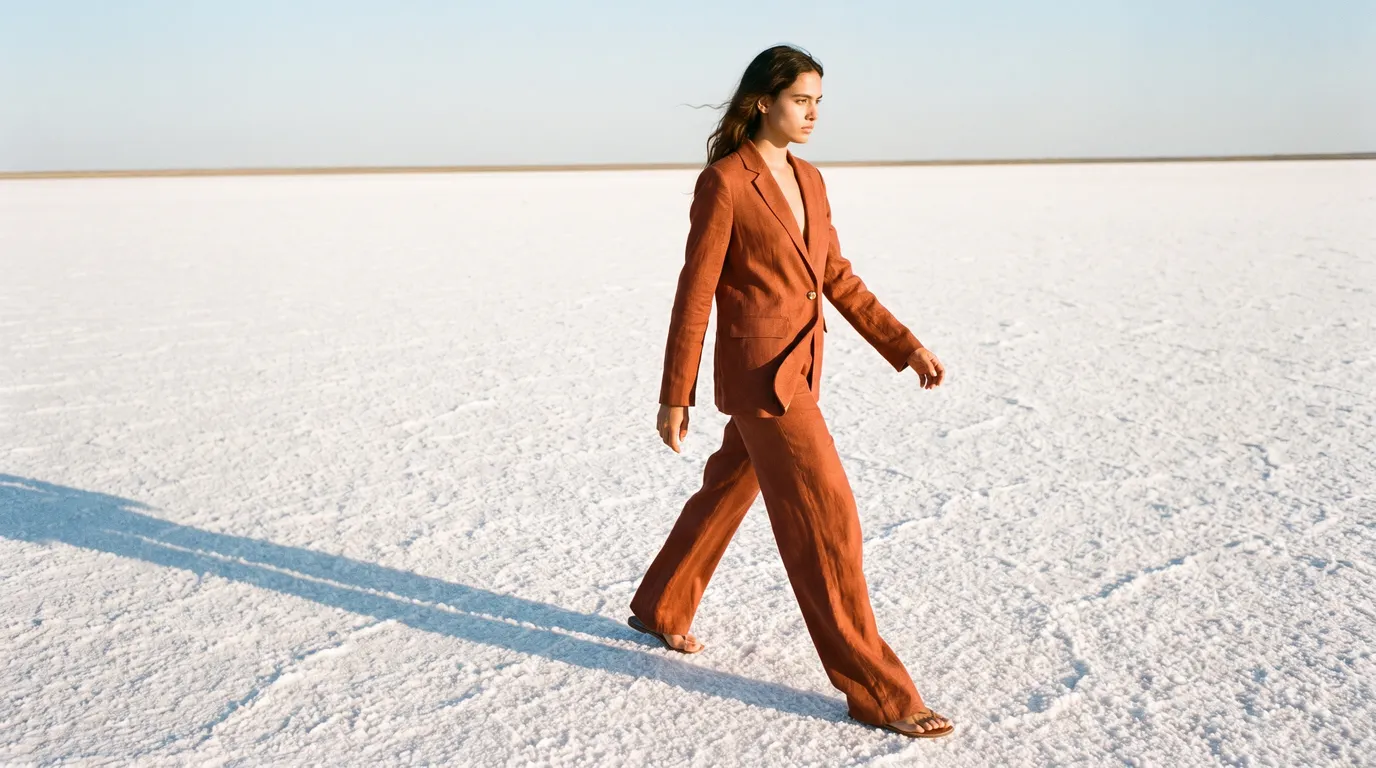
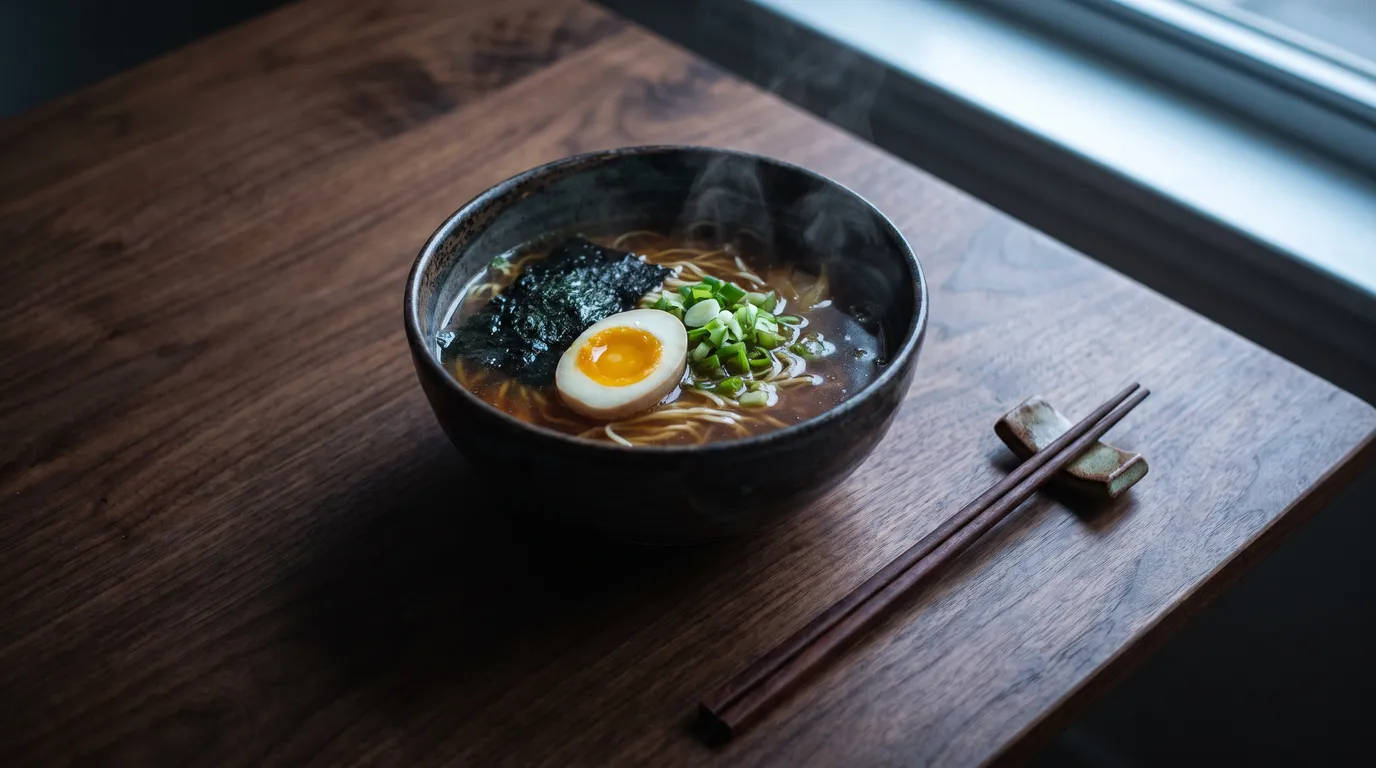
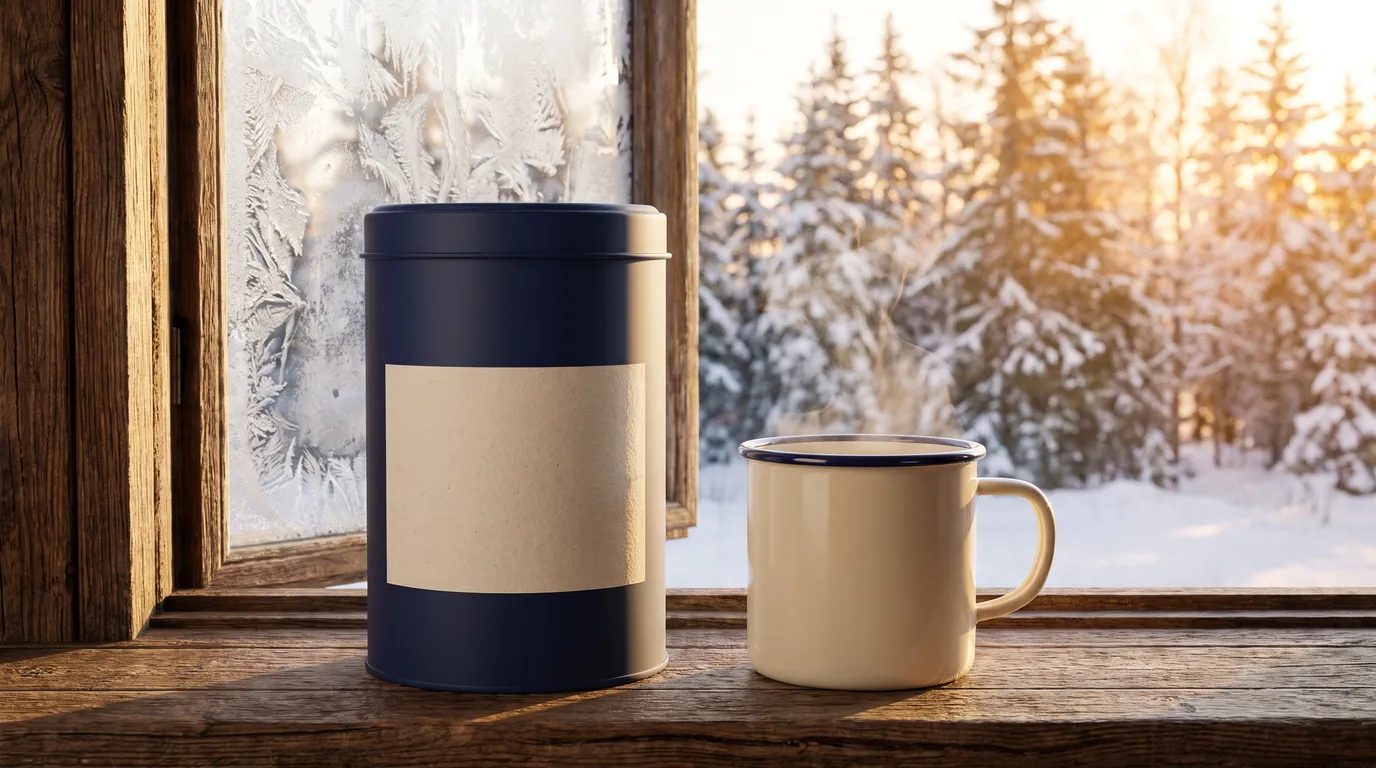
Canvas sneakers in sage, terracotta, and cream on pastel plinthsPortrait lighting study: warm window light, natural freckles, and a slate-blue linen shirtWatercolour study of a rainy Kyoto alley with glowing lanternsLookbook frame of a rust linen suit on a white salt flat at golden hourTop-down shoyu ramen with soft egg and steam on a dark walnut tableProduct scene study: a navy coffee tin on a frosted cabin windowsill at sunrise
Three six-second comparisons of the example images below. Each clip shows the reference first and the concept second, not AI-generated motion or a live editing session.
Krea AI framed its Krea 3 release around one rule: an edit should change only what you name. The following are illustrative briefs and concept images, not verified customer stories. Try the same approach with the editing models listed in the generator.
A Hot Sauce Maker Needs Market Photos by Friday
Marisol has one clean packshot and no budget for a night-market shoot. In Krea 3 she uploads the bottle, writes "keep the wax cap and label unchanged", and describes only the new stall, string lights, and limes. Krea AI calls this product preservation; here it is simply the first line of her prompt.
Teodor is painting a cartographer for a tabletop campaign. He gives Krea 3 the finished gouache portrait, locks the silver hair, teal scarf, and brass spectacles, then moves her to a windy cliff. Krea AI says its Krea 3 model keeps paintings in their original medium, and the same instruction keeps his gouache intact, which matters when the art sits beside hand-made pages.
Halima's listing photo works except for a tired grey sofa. With Krea 3 she asks for a curved terracotta boucle sofa and a cream rug, adding "only" so the floor, window light, and camera angle stay put. Krea AI demoed its Krea 3 model with a similar sofa swap; her clients see the option before anything is ordered.
A Student Turns a Marker Sketch Into a Crit-Ready Render
Krea AI lists architecture previews among Krea 3 use cases. Jonas has a lakeside pavilion sketch and a design review in two days. Krea 3 keeps his roof fold and proportions while he specifies charred timber, larch, glass, and blue-hour light, so he can test two material palettes in one afternoon instead of rebuilding a 3D model for each.
Krea 3 vs Nano Banana Pro vs GPT Image 2: Pick Per Brief
Krea 3 puts image and video models side by side. Reach for Nano Banana Pro on multi-reference scenes, GPT Image 2 on layout-heavy prompts, or Flux 2 for stylised looks, then read the credit quote. The Krea 3 model from Krea AI is not on this list.
Gemini Omni 1.1 Flash
MiniMax H3
HappyHorse 1.1
Seedance 2.0
Seedance 2.0 Fast
Seedance 2.0 Mini
Seedance 2.5
Kling 3
Kling 3 Turbo
Kling O3
Kling 3 Motion Control
Kling Avatar
Qwen Image 3
Qwen Image 3 Pro
GPT Image 2
Nano Banana 2
Nano Banana Pro
Flux 2 Pro
Flux 2 Flex
Why Use Krea 3 for Precise Image Edits
Most AI image tools redraw the whole frame. Krea 3 is organised around the opposite habit, the same one Krea AI recommends for its editing model: say what stays, then say what changes.
Open every Krea 3 prompt with the parts you refuse to lose: the label, the face, the window. The Krea AI prompt guide suggests the same order, and it keeps edits from drifting.
Give Each Reference a Job
Hand Krea 3 a person, a product, a place, and a style image, and say what each one is for. Krea AI recommends the same labelling, and clear roles beat a pile of unnamed uploads.
Describe Light Like a Photographer
Krea AI advises describing a change the way a photographer would: lens, light direction, and material, not vague moods. In Krea 3, "late sun from the left on brushed steel" beats "make it cinematic" almost every time.
Keep Paintings in Their Medium
Watercolour, ink, and vector art should not turn into glossy 3D. Krea AI flags medium preservation as a strength of its model; ask Krea 3 for it too, then compare brush texture with the original at full size.
Compare Models on One Brief
Krea 3 vs Krea AI vs Midjourney is rarely winner-takes-all. Run one brief through two models here, read each credit quote, and keep the version that answers it.
Ship Only What You Have Checked
Small text, hex colours, and hands still trip every editing model, Krea AI included. Inspect Krea 3 results at print size, confirm rights for every reference, then download.
Who uses Krea 3, why, and how it compares with Krea AI, Midjourney, and other image models
What Is Krea 3?
Krea 3 is a browser-based AI image workspace at krea3.art built for precise edits: you keep a product, character, or room and change only what you describe. Video tools sit in the same generator for the moment a still needs motion.
Is Krea 3 on krea3.art Affiliated With Krea AI?
No. krea3.art is an independent site and is not operated or endorsed by Krea AI. Krea AI released its own Krea 3 editing model on October 15, 2026, on krea.ai and through partners such as fal and Replicate. Here, edits run on the models listed in the generator.
What Did Krea AI Announce With Its Krea 3 Model?
Krea AI describes its Krea 3 model as an image editor built for production: native 2K output, most edits in under 8 seconds, several reference images per edit, and strong product and character preservation. Those are Krea AI figures measured on its own platform.
Krea 3 vs Nano Banana Pro vs GPT Image 2: Which Is Faster?
In the Krea AI launch benchmark, the Krea 3 model finished median edits in under 8 seconds, against roughly 33 seconds for Nano Banana Pro and 90 seconds for GPT Image 2. In this Krea 3 workspace, speed depends on the model you pick and the queue, so judge by your own tasks.
How Do Krea 3 Edit Costs Compare?
Krea AI lists its Krea 3 model at $0.06 per 2K image, versus $0.135 for Nano Banana Pro and $0.22 for GPT Image 2, before reference fees. On krea3.art, the generator shows a credit quote for every model and setting before you submit.
Krea 3 vs Krea AI vs Midjourney: Which Suits Me?
Pick the Krea AI app for its real-time canvas, LoRA training, and the official Krea 3 model. Midjourney suits open-ended style exploration. Krea 3 at krea3.art suits people who want several image and video models, credit pricing, and edit-first prompting in one place.
Krea AI vs Krea 3: What Is the Difference?
Krea AI is the company behind krea.ai, its real-time canvas, and the Krea 3 editing model. Krea 3 at krea3.art is a separate, independent workspace that borrows the edit-first approach and runs other image and video models. Neither replaces the other.
Is Krea 3 a Krea AI Alternative?
For many briefs, yes. If you mainly need product scenes, character continuity, and furniture swaps paid with credits, Krea 3 covers that. If you need Krea AI features such as LoRA training or the real-time canvas, use Krea AI directly.
Can I Bring Krea AI Images Into Krea 3?
Yes, if you hold the rights. Download an image you made on Krea AI, upload it to Krea 3 as a reference, and keep editing with another model. Check the Krea AI terms for your plan before reusing output commercially.
Does Krea 3 Use Krea 1 or Krea 2 From Krea AI?
No. The earlier Krea 1 and Krea 2 image models from Krea AI run on krea.ai and its partners. The Krea 3 workspace lists its own available models, such as Nano Banana Pro, GPT Image 2, Flux 2, and Qwen Image 3, inside the generator.
Krea AI or Krea 3 for Style Exploration?
Krea AI points people to Krea 2 for open style exploration and to its Krea 3 model for precise edits. In this Krea 3 workspace, sketch moods with Flux 2 first, then switch to an editing model to lock the look you chose.
Who Uses Krea 3?
Small brands staging products in Krea 3, illustrators keeping a character consistent, home stagers testing furniture, architecture students rendering sketches, and families restoring old prints. They share one habit: a picture they already like and one thing to change.
Why Use Krea 3 Instead of Generating From Scratch?
A fresh generation reinvents every pixel, so a logo or face can drift. Starting from your own image in Krea 3 keeps the parts you trust and spends effort only on the change, which means fewer rerolls and fewer surprises.
How Should I Write a Krea 3 Edit Prompt?
Follow the order Krea AI recommends for editing: what stays the same, then the change, described the way a photographer would. Add "only" to fence the edit, as in "only replace the sofa", and label each reference by its role.
Can Krea 3 Keep a Product Label and Logo Intact?
Name the label, cap, and logo as fixed, and Krea 3 aims to preserve them while it builds a new scene. Always zoom in: small lettering and exact brand colours are where every editing model, Krea AI included, still slips.
Can Krea 3 Keep the Same Character Across Images?
Yes. Use one finished portrait as the anchor and describe the new pose or setting. Krea 3 holds faces and costume well with a clear reference, but check hands, props, and accessories on every image in a series.
Does Krea 3 Work With Sketches and Old Photos?
Yes. Upload a marker sketch, a moodboard, or a faded print, then describe the finish you want. For restoration, ask Krea 3 to repair damage without altering faces, and keep the original file next to the result.
How Many Reference Images Can Krea 3 Use?
It depends on the model. Nano Banana Pro accepts up to eight images in this Krea 3 workspace, while other models accept fewer. For comparison, Krea AI quotes up to six references for its own Krea 3 model.
Does Krea 3 Also Create Videos?
Yes. Switch the Krea 3 generator to Video to animate a still or start from text. Model, duration, and resolution options vary, and video tasks cost more credits than image edits.
Is Krea 3 Free to Try?
Check the current offer after you sign in. Krea 3 may include an introductory allowance, but most tasks need credits. The free tier on Krea AI is a separate service with its own limits.
How Are Krea 3 Credits Charged?
Each Krea 3 task shows a quote before you submit, based on model, resolution, and references. Plans renew monthly or yearly, while one-time packs suit occasional projects. See Pricing for current terms.
Can I Use Krea 3 Images Commercially?
Paid Krea 3 plans include a commercial use licence, but you remain responsible for the rights in your uploads: product photos, likenesses, artwork, and trademarks. AI output is not a guarantee of non-infringement.
What Resolution Do Krea 3 Images Reach?
Supported models in Krea 3 offer 1K, 2K, and some 4K options. Choose 2K or higher for print or large screens, and inspect fine detail at the size you plan to publish.
Where Are My Krea 3 Results Saved?
Finished Krea 3 images appear in My Images and videos in My Videos. Download the versions you approve rather than relying on hosted links staying available forever.
Can I Use Krea 3 on a Phone?
Yes. Krea 3 runs in modern mobile and desktop browsers. Upload and prompt anywhere, but review edges and small text on a larger screen before you publish.
What If a Krea 3 Task Is Slow or Fails?
Check the Krea 3 task status before resubmitting so you are not charged twice. Busy models can queue. If a task stalls, email support@krea3.art with the task ID and your account email.
Should I Disclose That an Image Was Edited With Krea 3?
For listings, news, and ads, yes. Staged rooms, restored photos, and composite product shots can mislead when unlabelled, so add a short note such as "digitally staged" where your platform expects it.
How Do I Contact Krea 3 Support?
Email support@krea3.art with your account email, task or order ID, and a short description of the issue. Never send passwords or full card numbers.
Your Next Edit Starts in Krea 3
Upload one image, write what stays, and change a single detail.